

Your clients in Claude, no access requests
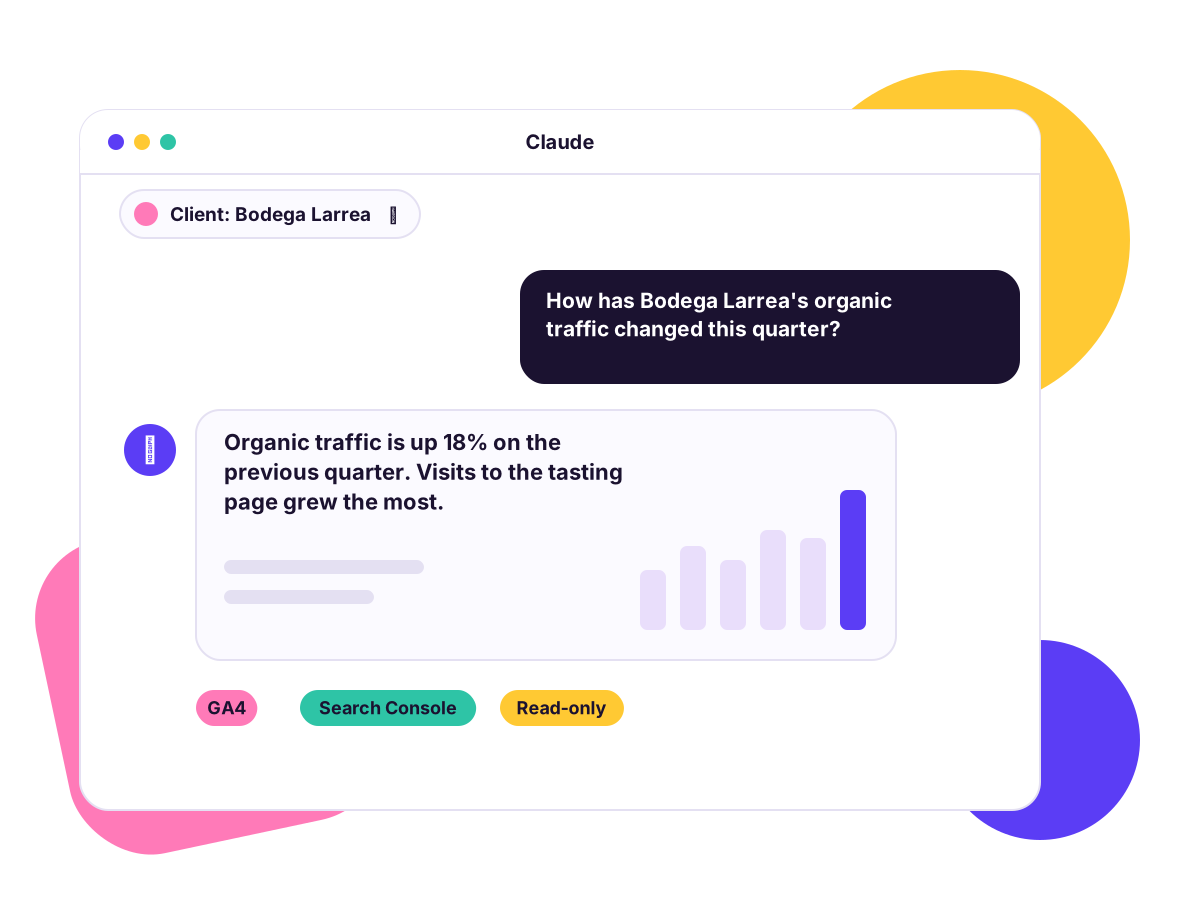
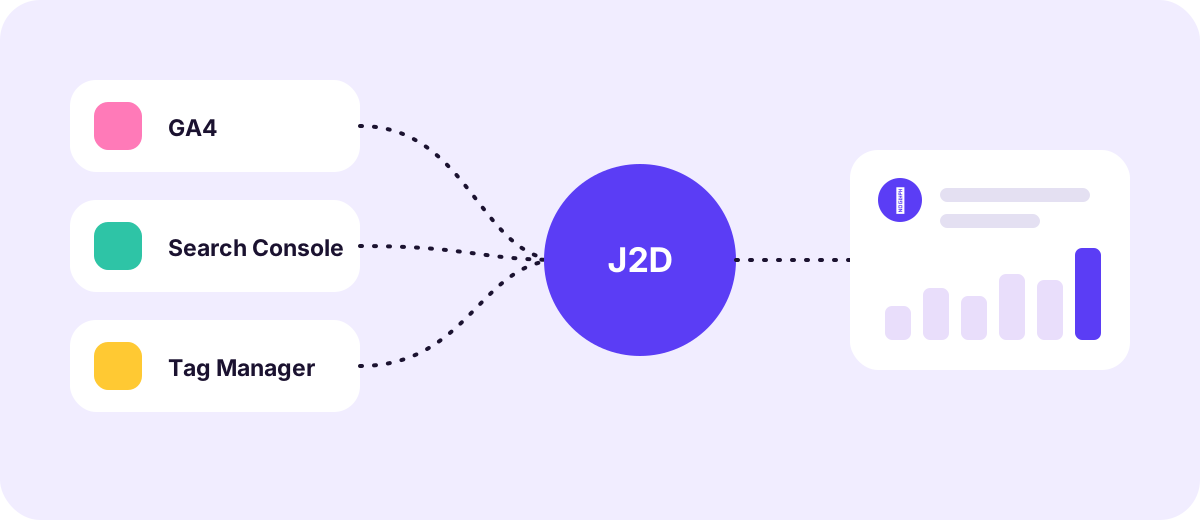
Connect GA4, Search Console and Tag Manager for all your clients to Claude, read-only. Each client gives you access with a link and a Google sign-in. No Google Cloud projects and no credentials sent by email.
The problem isn't AI, it's access
Asking every client, one by one, for access to GA4 or Search Console is what stalls any AI workflow.

Today
Invitations to every property, permissions that get lost, credentials in spreadsheets and a different connector for each client.
With Join2Data
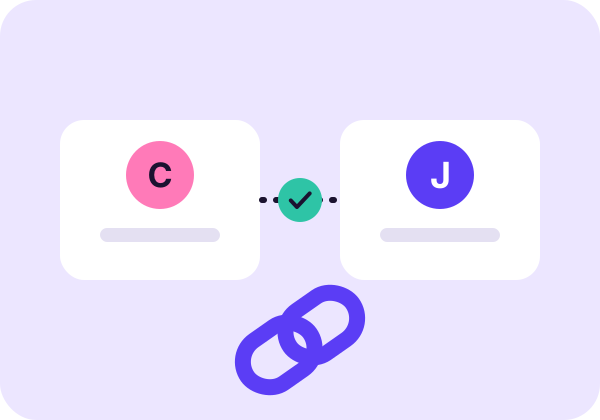
The client opens a link, signs in with Google and ticks what to share. You see it in your dashboard straight away.

Result
You ask Claude about any client and get real data from their accounts, in the same conversation.
Why Join2Data
Client onboarding in three clicks
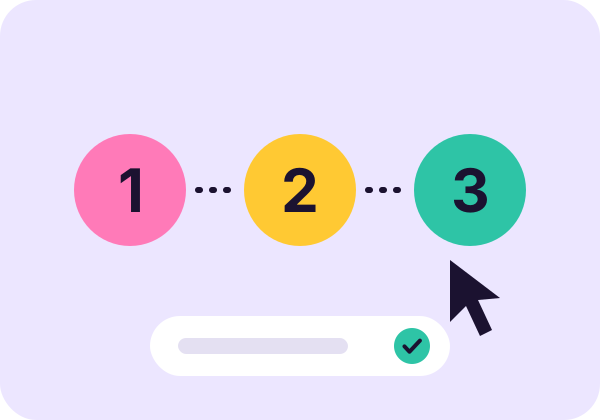
A personalised link, Google sign-in and a checkbox per service. One Google app for all your clients: nothing to create in Google Cloud.
One master connector
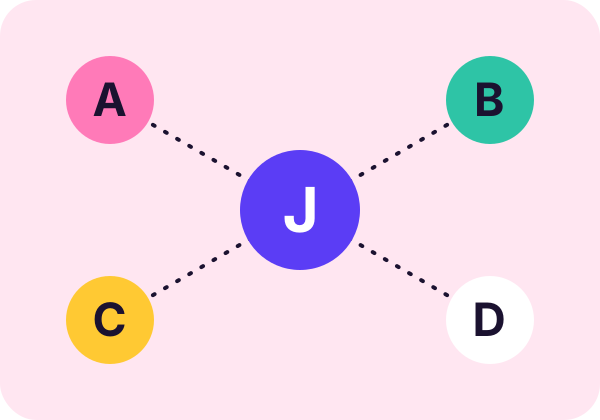
Connect Claude once and switch client inside the conversation. If you prefer separation, there is also a dedicated connector per client.
Control and traceability
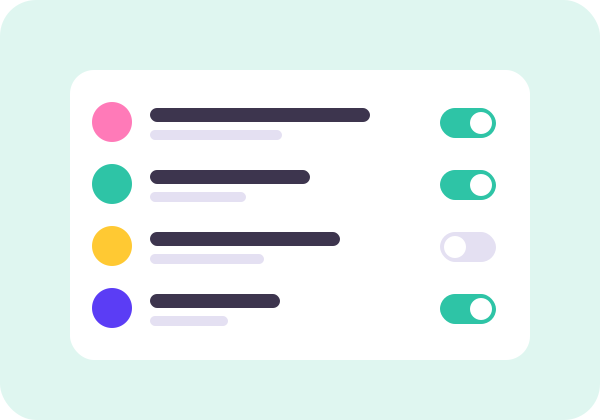
You choose which services and properties each client shares, and the access log records who asked, which client and which tool.
What you can ask Claude
Real questions an agency asks every week, now in a single conversation with each client's data.

Which channels bring the most traffic?
Compare sessions and conversions by channel across two periods and spot what changed.

What searches do people find us with?
Queries with the most impressions, pages that are climbing and opportunities with fewer clicks than expected.
Which tags are published?
Review a client's containers, tags and triggers without logging in to their account.
How are my clients doing this month?
Switch client in the same conversation and compare results without reconnecting anything.
One connector for all your clients
One connector per client
- Disconnect and reconfigure every time you change account
- One Claude session per client
- More connectors the more clients you have
With Join2Data
- One master connector for the whole team
- Claude switches client in the same conversation
- Each member only sees the clients assigned to them
How it works
Invite your client
Create the client record in your dashboard and send them their sign-up link.
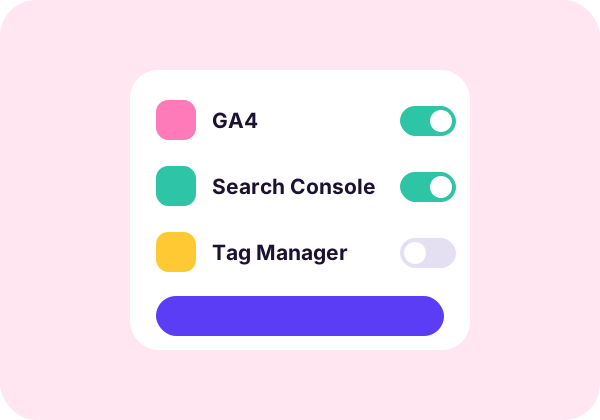
They connect their accounts
The client signs in with Google and picks what to share: GA4, Search Console or Tag Manager.
Ask in Claude
Add your connector to Claude and ask about that client's traffic, queries or tags.
What we see and what we don't

What we store
- Name and email of the client and the team
- The connected Google account and what it shares
- Google access tokens, encrypted
- A log of who queried which tool, without the answers
What we don't do
- We don't store the analytics data you query
- We never write to or change their accounts
- We never ask for Google passwords
- The client can withdraw access whenever they want
Clear pricing, with a 14-day trial
Monthly prices, excluding VAT. Pay yearly and you pay for ten months.

Starter
- 5 clients
- 3 users
- 5,000 queries a month

Pro
- 25 clients
- 10 users
- 50,000 queries a month

Business
- 100 clients
- 30 users
- 250,000 queries a month

Enterprise
- No caps
- Terms set by contract
Frequently asked questions
Do my clients have to create anything in Google Cloud?
No. Join2Data uses a single Google application for everyone. The client just signs in with their account and accepts what they want to share.
Can Join2Data change my clients' data?
No. Permissions are read-only and the tools only query: GA4 reports, Search Console data and Tag Manager configuration.
Which Google services can be connected?
Google Analytics 4, Search Console and Tag Manager. Google Ads is in preparation.
How is access withdrawn?
From your dashboard you can remove a service or offboard the client. The client can also revoke access from their Google account at any time.
Which AI tools does it work with?
Join2Data is an MCP connector with OAuth, built for Claude. Any client that supports remote MCP can use it.
Who can see each client's data?
Only the members of your agency you grant access to that client. Each agency is isolated from the others.
Start today, no card needed
Create your workspace, add your first client and ask Claude your first question in a few minutes.