

How Join2Data works
From the invitation to the first question in Claude there are three steps. No Google Cloud projects, no keys, no spreadsheets full of credentials.
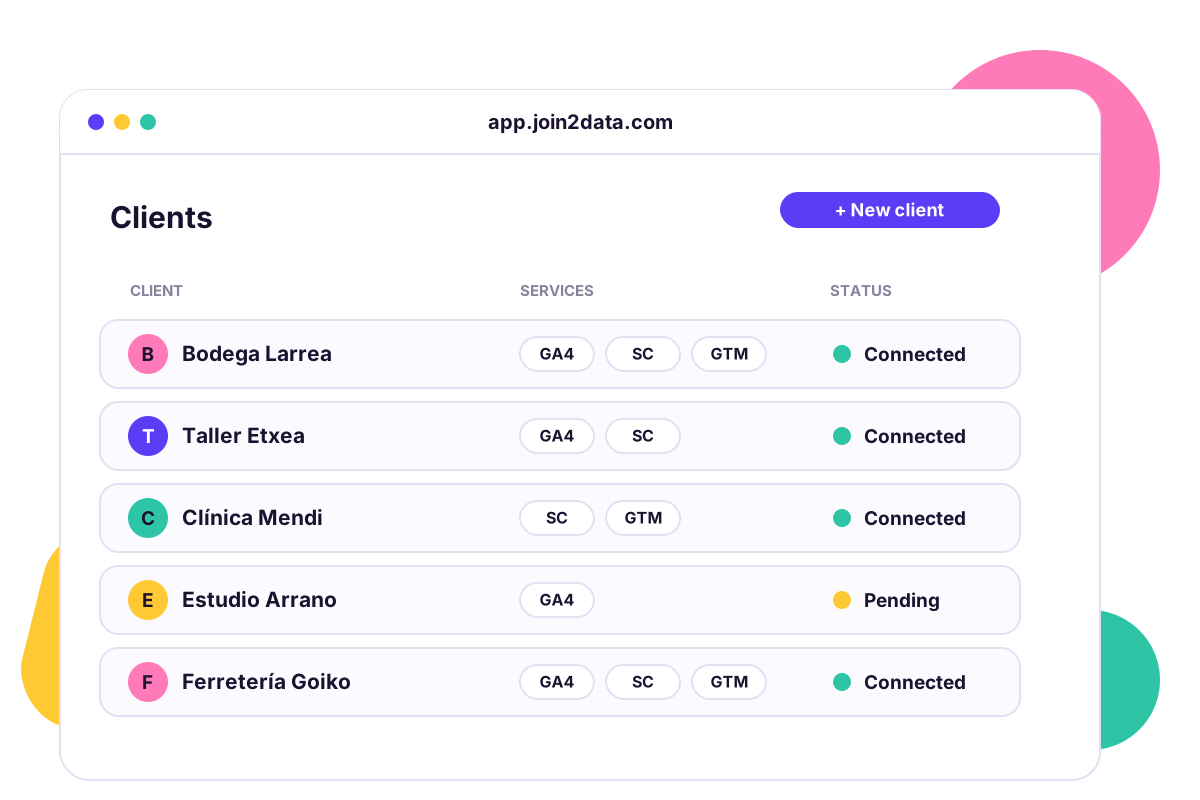
Three steps, no friction
Invite the client
In your dashboard you create the client record and choose which services they can share: Google Analytics 4, Search Console and Tag Manager. Join2Data generates a personal sign-up link with an expiry date, which you send through whatever channel you prefer.
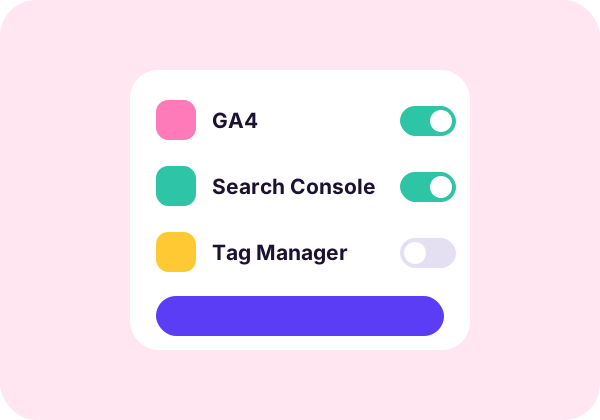
The client connects their accounts
They open the link, sign in with Google and pick which properties and sites to share. Google clearly shows them that access is read-only. They create nothing in Google Cloud and never give you their passwords.

Ask in Claude
You add the Join2Data connector to Claude once. From there you ask for traffic reports, search queries or the tag setup of any client, in the same conversation.
Two ways to connect
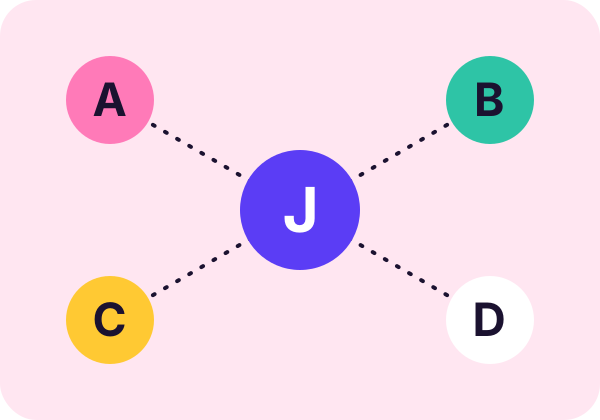
Master connector
For the team. See every client each member has access to and switch between them without reconfiguring anything.
Connector per client
A dedicated address for one specific client. Useful if you want to fully isolate their information or hand it to an outside collaborator.
What you can ask

How is organic traffic trending?
Compare this client's last 90 days with the previous period.

Which queries underperform?
Queries with many impressions and few clicks, ready to improve.
Which pages convert best?
Conversions by page this month versus last month.

Which tags are published?
The container's tags and triggers, without logging in to their account.
Try it with your first client
Fourteen days free, no card, read-only.